



Managing social media in 2026 looks quite different from what it did a few years ago.
A brand might have an Instagram content calendar, a LinkedIn thought-leadership strategy, TikTok videos, YouTube Shorts, Threads conversations, and a growing stream of comments and DMs to manage. Then add team members, client approvals, performance reports, and AI-generated content.
Suddenly, you have to do a lot more than just schedule posts. You plan campaigns, manage multiple social accounts, collaborate with teammates, respond to audiences, track performance, monitor competitors, generate content with AI, and turn social data into reports.
That’s where social media management tools come in. These help you automate each step of social media management – from ideation to content generation and performance analysis.
But there’s a catch – the tool you use depends on how much you post, who you post for, and whether it meets your brand strategy needs.
So instead of asking which tool has the longest feature list, it makes more sense to ask:

What is a social media management tool?
A social media management tool brings different social media tasks into one workspace. Depending on the platform, you can use it to:
Schedule and publish posts: You can plan posts and have them automatically go live across different platforms at set times. It helps you stay consistent without needing to manually post every day.
Build content calendars: Think of this as your visual planning board for social media. You can map out what goes out and when, across weeks or months, so your content feels more structured.
Bulk-upload content: Instead of uploading posts one by one, you can upload many at once using spreadsheets or media batches. This can save hours for agencies or teams managing high-volume content.
Create and repurpose content: Within the platform, you can adapt each piece of content for different platforms or formats. For example, turning a blog post into multiple social posts or resizing a video for TikTok, Reels, and Shorts. It helps you get more mileage out of the same idea.
Generate captions with AI: Most platforms now include AI assistants that write and refine captions for you. You can give a prompt or idea, and it generates captions and video transcripts in different tones, styles, and languages.
Manage comments and DMs: Instead of checking each inbox separately, you can access and respond to all comments and messages in one place. This makes community management much easier, especially for brands with active audiences, and helps you avoid missing important conversations.
Monitor brand mentions: This lets you track when people talk about your brand, even if they don’t tag you directly. It’s useful to get a clearer sense of how your brand is being discussed online and spot conversations you should engage with
Track competitors: You can monitor what other brands in your space are posting and how their content performs. It gives you useful context for decision-making and understanding trends, benchmarks, and gaps in your own strategy.
Analyze audience and content performance: These tools break down what’s working and what isn’t across your posts. You can see engagement, reach, clicks, and audience behavior patterns. Over time, you can access and extract detailed reports that help you refine your content strategy based on real data.
Manage multiple brands and clients: If you’re an agency or multi-brand business, you can switch between different accounts in one dashboard. Each brand stays separate but manageable from the same system to keep operations organized and scalable.
Assign tasks to team members: You can create accounts for your team and delegate specific social media tasks like writing, designing, or scheduling posts. Each member can manage their tasks, set timelines for each deliverable, and collaborate on a common platform.
Recycle evergreen content: You can automatically reshare content that stays relevant over time, like tips or guides. Instead of letting good posts disappear, they keep circulating in your schedule.
Connect social performance with website and advertising data: Some tools link your social media results with website traffic and ad performance. This gives you a more complete picture of how social contributes to business outcomes. It’s especially useful for understanding ROI beyond likes and shares.
The biggest benefit is this: everything is in one place.
Instead of opening Instagram, LinkedIn, Facebook, TikTok, and X separately, marketers can manage the entire social workflow within a single tool.
What should you look for in a social media management tool?
Before you compare platforms, figure out what you actually need from one.
Scheduling and publishing: If you’re managing several networks, look for bulk scheduling, content queues, calendar views, platform-specific customization, and direct publishing.
Analytics: Follower growth is only one metric. An ideal platform should help you understand reach, engagement, clicks, audience growth, content performance, and, where possible, conversions.
Engagement: If your brand receives a lot of comments and DMs, a unified inbox can be more valuable than another scheduling feature.
AI capabilities: Almost every major social media management tool talks about AI. But “AI-powered” can mean anything from rewriting a caption to digging through huge amounts of social data. Look at what the AI actually does.
Does it generate content, repurpose posts, and draft replies? Does it recommend publishing times based on your audience activity levels? Does it analyze content performance and provide bite-sized reports of metrics relevant to your brand? Can it automate day-to-day tasks like posting, getting approvals, and more?
Collaboration and approvals: For agencies and larger marketing teams, social media is rarely a one-person function. Look for user permissions, approvals, comments, assignments, client access, and workflow management.
Reporting: If you have to send a social media report to a client or executive every month, customizable reporting can save hours.
Which tool is best for the way you manage social media?
We’ve compared 8 leading tools across publishing, scheduling, analytics, engagement, AI capabilities, collaboration, reporting, social listening, scalability, and value:
Best social media management tools in 2026: Quick comparison
| Tool | Standout strength | Starting price |
|---|---|---|
| Hootsuite | Publishing, social listening, analytics, and AI | From $99/user/month |
| Buffer | Simple scheduling and per-channel pricing | Free up to 3 channels; paid plan starts from $5/channel/month |
| Metricool | Social, web, and advertising analytics | Free plan available; paid plan starts from $20/month |
| Later | Visual planning and Instagram workflows | From $18.75/month annually; free 14-day trial available |
| Multilogin | Account isolation across TikTok, Instagram, and Facebook | Free plan available; paid plans from $7.08/month. |
| SocialBee | Content categories and recycling | From $24/month annually; free 14-day trial available |
| Sendible | Agency workflows and core publishing | From $35/month billed annually |
| Sprinklr Social | Governance, listening, and AI at scale | Custom pricing |
1. Hootsuite
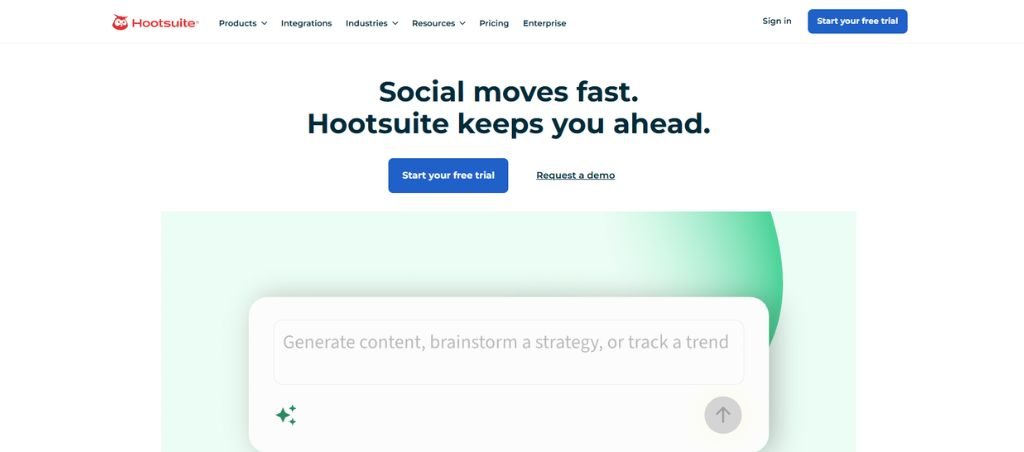
Best for: Large marketing teams, agencies, and businesses that need publishing, engagement, analytics, monitoring, and AI in one platform.
Average G2 Star Rating: 4.3 out of 5
Hootsuite is built for teams that have outgrown the basic “create, schedule, publish” approach to social media. You can plan and schedule content, monitor mentions and conversations, respond to audiences, compare performance, and use social listening to understand what people are saying about the brand without constantly moving between separate platforms and spreadsheets.
That becomes particularly useful for larger organizations where social media is managed across teams or regions. Hootsuite’s higher-tier plans add more sophisticated reporting, message routing, social listening, employee advocacy, social selling, and enterprise integrations, giving organizations more control over how social activity is managed across the business.
The platform has also moved well beyond the scheduling-first model that originally defined it. Its AI capabilities can assist with content creation, recommendations, analysis, and other repetitive parts of the social workflow. Rather than treating AI as a standalone caption generator, Hootsuite is increasingly using it to help teams make decisions and move through their day-to-day work faster.
Key features
- Multi-platform publishing: You can create a post once and push it out across Instagram, Facebook, LinkedIn, X, TikTok, and more without jumping between apps. It allows you to customize each post per platform (different captions, hashtags, or media formats), making it especially helpful for teams handling multiple brands or regions.
- AI content and image generation: Hootsuite’s AI tools are mainly there to make content creation faster when you’re stuck or producing a lot of content. You can generate captions, rewrite copy in different tones, and even create simple visuals without leaving the platform.
- Best-time-to-post recommendations: This looks at your audience’s past engagement and suggests when your posts are most likely to do well.
- Social listening: Hootsuite’s social listening lets you track mentions of your brand, competitors, and relevant keywords across social platforms in real time. It’s more than just getting notifications – you can spot trends, sentiment shifts, and emerging conversations before they fully break out, turning social media from a publishing channel into a live feedback system.
- Competitor benchmarking: The platform lets you compare your social performance with competitors and monitor your engagement, growth, and content performance. It helps you identify what types of content are working in your space and refine your strategy to cover positioning gaps.
- Bulk scheduling: You can upload multiple posts at once using a CSV or similar format. Instead of manually scheduling each post, you map out your content in advance and let Hootsuite handle distribution.
- DM automation: This feature helps automate responses to common messages and route conversations more efficiently to handle high volumes of inbound DMs or customer support queries without response delays. For example, you can set up auto-replies for FAQs or direct a category of messages to the right team member.
- Enterprise integrations: Hootsuite connects with a wide range of enterprise tools like Salesforce, Adobe, and other CRM or marketing systems. It can feed into broader customer journeys, sales pipelines, or marketing dashboards and helps you make social media become part of the company’s core business systems rather than a standalone channel.
2. Buffer
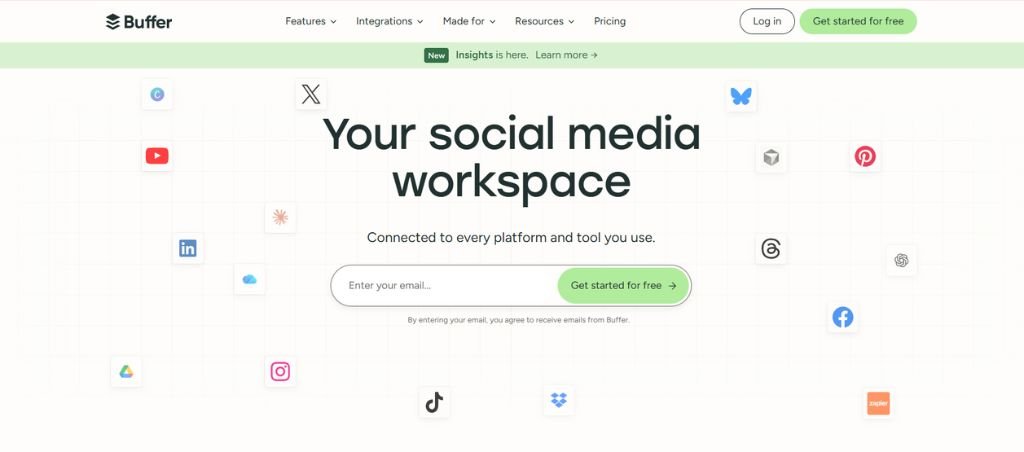
Best for: Creators, freelancers, startups, and small marketing teams that want straightforward social scheduling.
Average G2 Star Rating: 4.3 out of 5
Buffer has stayed popular because it keeps the social media workflow focused on what most smaller teams actually need: plan the content, schedule it, and keep the publishing pipeline moving.
Scheduling is still its core strength, but the value is really in the consistency that comes with it. Instead of remembering to publish separately on Instagram, LinkedIn, TikTok, or Threads throughout the week, you can build the content queue in advance and manage everything from one calendar. For solo creators and lean marketing teams, this means hours saved in publishing every day.
Buffer supports major networks including Instagram, Facebook, LinkedIn, TikTok, YouTube, Threads, Pinterest, X, and Google Business Profile.
Key features
- Social media scheduling: Buffer’s main strength is its scheduling: clean, fast, and intentionally simple. You can queue posts across multiple platforms and let Buffer automatically publish them at optimal times.
- Content calendar: The built-in calendar view gives you a clear, visual map of everything you’ve planned across channels. It’s not overloaded with enterprise complexity, just a straightforward way to see empty slots, balance content types, and avoid posting chaos.
- AI Assistant: The platform’s AI can help draft captions, rework ideas, or change the tone without making you leave the workflow. Buffer positions it like a smart writing partner that helps you move faster when you’re stuck or scaling content production.
- Analytics: The analytics are intentionally lightweight but useful, focused on engagement, reach, and post performance. You won’t get deep enterprise attribution modeling, but you will get clear signals on what content is working and what isn’t, so you get useful insights without burying you in data.
- First-comment scheduling: A small but powerful feature for platforms like Instagram and LinkedIn where the first comment matters. You can pre-load hashtags, links, or extra context so your post stays clean while still carrying all the SEO or engagement boosters you need.
- Multi-network publishing: You can publish to all major platforms – Instagram, LinkedIn, TikTok, X, Facebook, and more – from a single interface.
3. Metricool
Best for: Marketers, freelancers, and agencies that want strong analytics without enterprise pricing.
Average G2 Star Rating: 4.5 out of 5
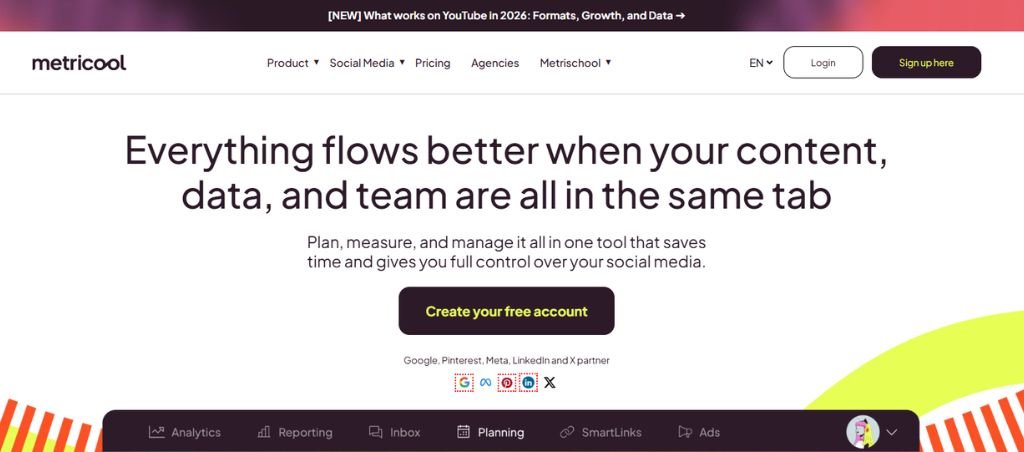
Metricool takes a slightly different approach than the rest of the platforms. Instead of treating social media as its own little island, it connects your social accounts with other parts of your digital presence.
You can analyze social networks alongside website and blog traffic, advertising data, competitor accounts, and other digital channels. Instead of toggling between platforms and reconciling mismatched metrics, teams can observe how each channel contributes to the broader marketing system in one continuous context.
Key features
- Social media scheduling: Metricool lets you plan and publish posts across all major platforms from a single calendar. You can queue content, bulk upload, and visually map campaigns so you’re not jumping between apps, providing you the consistency you need when you’re managing multiple brands or clients.
- Social analytics: This is one of Metricool’s stronger features – it connects performance trends over time. You can track engagement, growth, and content performance in a way that actually helps you decide what to post next.
- Competitor analysis: You can plug in competitor profiles and benchmark how your content stacks up against theirs. It helps you spot posting patterns, engagement differences, and content gaps without doing manual stalking.
- Advertising analytics: Metricool pulls in paid campaign data so you can see organic and paid performance side by side, so you get visibility into what’s actually driving results. It helps bridge the gap between social content and ad spend without needing lengthy reports and days of analysis.
- Looker Studio integration: If you’re already using Looker Studio, Metricool plugs in cleanly so you can build deeper dashboards. It allows you to combine social, web, and ad data in one place for more serious analysis.
- AI assistant: The AI features help you generate captions, ideas, and quick content variations to keep content flowing when you’re managing multiple accounts.
4. Later
Best for: Instagram-heavy brands, creators, ecommerce businesses, and teams working primarily with visual content.
Average G2 Star Rating: 4.5 out of 5
Later is built around a problem that becomes more difficult as visual content scales: maintaining a coherent social presence across a growing volume of images, videos, Reels, Stories, and platform-specific formats. Its roots are in Instagram, and that visual-first foundation still shapes how the platform approaches social media management.
Later lets you plan visual content as a complete feed. The calendar makes it easier to see how posts will sit alongside one another, organize upcoming content, and maintain a consistent publishing rhythm before anything goes live. For brands where the overall look and sequencing of content matter, that planning layer is as important as the scheduling itself.
Key features
- Visual content calendar: Later’s calendar is built for people who think visually first. You can drag and drop posts to see how your Instagram grid or multi-platform feed will look before anything goes live so you maintain aesthetic consistency across campaigns.
- Instagram, TikTok, and Pinterest scheduling: You can schedule posts, carousels, and plan captions, then auto-publish without manual posting across multiple platforms. It also supports first-comment scheduling, which can come in handy for hashtags and engagement tactics.
- Reels and Stories workflows: Later lets you prep Reels and Stories in advance, including media uploads, captions, and timing. While direct auto-publishing depends on platform API limits, it streamlines the entire creation-to-publish flow so you’re not scrambling in real time.
- Analytics: The analytics are clean and focused on what actually matters: engagement, reach, follower growth, and post performance. It’s not overly complex like enterprise tools, but it gives you enough insight to double down on what’s working.
- AI content assistance: Later’s AI helps you generate captions, ideas, and variations to help you speed up repetitive writing tasks and keep your content pipeline moving.
- Creator collaboration: You can bring in creators, freelancers, or team members to contribute content and manage approvals. It’s built for modern influencer-style workflows where content is often co-created rather than centrally produced.
5. Multilogin
Best for: Social media managers, agencies and marketers running multiple accounts on the same platform who need each one to look independent, not just scheduled from the same dashboard.
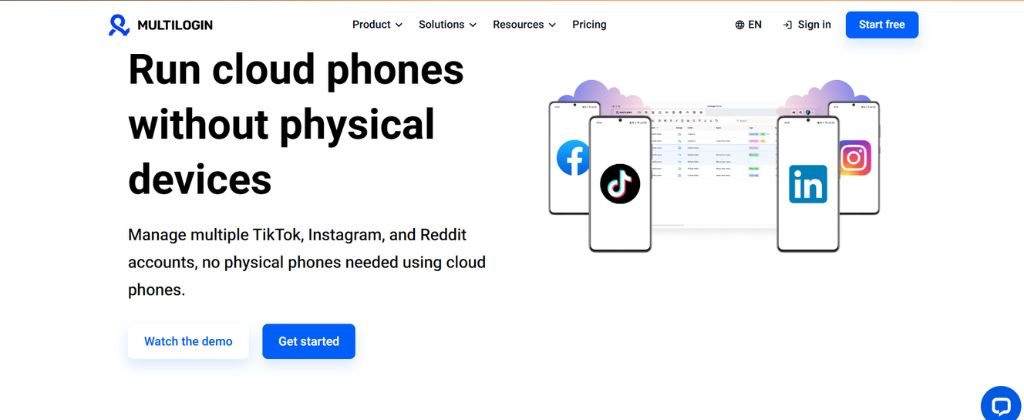
Multilogin cloud phones take a different approach from the other tools in this comparison. Instead of centralizing scheduling and publishing, it solves what happens before publishing even starts: making sure ten TikTok accounts for different clients, or several Instagram profiles across regions, don’t get flagged as connected to the same operator.
Each mobile profile runs on its own real Android device hosted in the cloud, not a shared browser or emulator, so platforms like TikTok and Instagram see ordinary phone behavior instead of many accounts operating from the same device. Web-first platforms, like Reddit or YouTube, get isolated browser profiles instead. Everything is managed from one dashboard, and proxies and mobile minutes are bundled into every plan rather than billed separately.
Key features
- Real Android cloud phones: Each mobile profile runs on a genuine ARM-based Android device in the cloud, producing the sensor data, hardware IDs, and app install history a real phone would, rather than a browser pretending to be one.
- Isolated browser profiles: For web platforms like Reddit and YouTube, each account gets its own cookies, session, and IP, kept separate from every other profile.
- Built-in proxies and mobile minutes: Residential proxies and mobile data come bundled with every plan, so there’s no separate proxy service to manage.
- ADB and API access: Full device-level access supports automation and AI-driven workflows, not just manual profile switching.
- One dashboard for mobile and web: Manage cloud phones and browser profiles from the same place instead of switching between tools.
- Team access: Role-based permissions let agencies divide client accounts across team members without sharing logins.
6. SocialBee
Best for: Creators, personal brands, and small businesses that publish large amounts of recurring or evergreen content.
Average G2 Star Rating: 4.7 out of 5
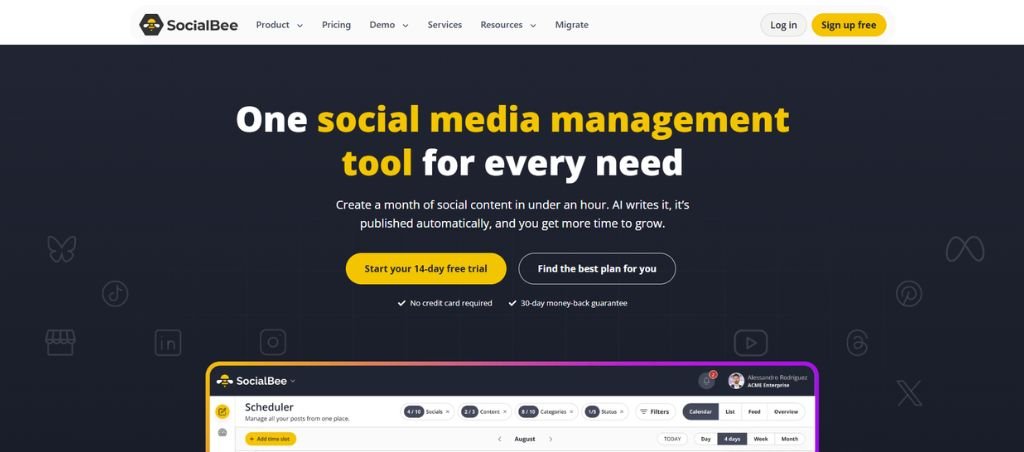
SocialBee lets you organize content into categories and assign each category its own publishing schedule. That creates a more structured content system, where educational posts, industry insights, promotional content, case studies, or personal updates can each have a defined place in the overall mix.
The real value comes from what happens after that structure is in place. Evergreen content can be recycled and redistributed according to the schedule, so strong posts do not simply disappear after their first publication. At the same time, it lets you add new content into the same system, allowing recurring and timely posts to work alongside one another without requiring constant manual scheduling.
Key features
- Content categories: Using the platform, you can organize posts into buckets like “educational,” “promotional,” or “curated content” that resonate the most with your content type and audience preferences. You can also control how often each category gets published.
- Evergreen content recycling: You can set posts to automatically re-enter your queue and get reshared over time. Instead of content dying after one post, it keeps resurfacing based on your schedule rules.
- Hashtag organizer: SocialBee helps you store and group hashtags so you’re not reinventing the wheel every time you post. You can build sets for different themes or campaigns and reuse them instantly. It keeps your hashtag strategy consistent and saves a surprising amount of time.
- AI content generation: SocialBee includes AI tools that help you draft captions, generate post ideas, and rephrase content for different platforms.
- Bulk scheduling: You can upload and schedule large batches of posts at once. Instead of posting one by one, you can map out weeks of content in a single session to reduce repetitive manual work.
- Analytics: The platform gives you performance insights like engagement, reach, and post effectiveness so you can see what’s actually working.
- Content variations: You can create multiple versions of the same post and tailor them for different platforms or audiences. Instead of copy-pasting, you can slightly adjust tone, length, or messaging per network.
- Canva and Unsplash integrations: SocialBee integrates with Canva and Unsplash to help you design visuals or pull stock images without leaving the platform.
7. Sendible
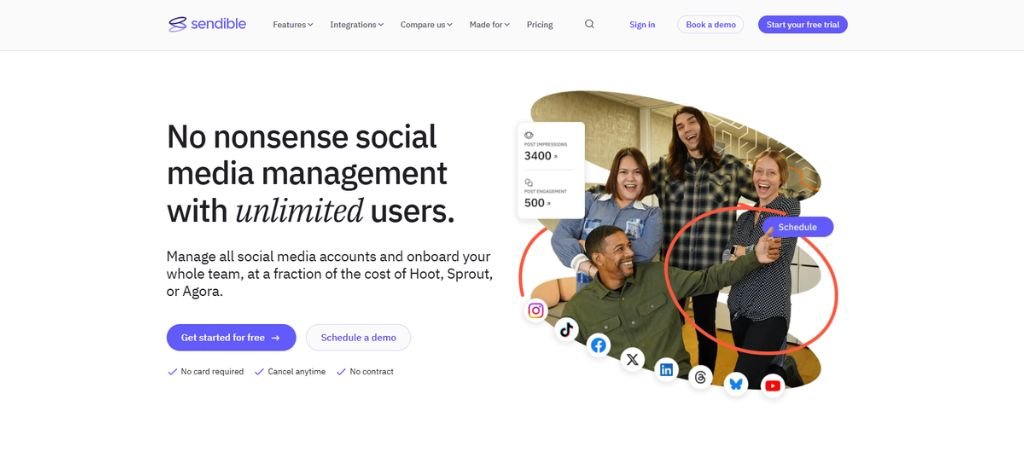
Best for: Small and mid-sized businesses, freelancers, and agencies that want broad functionality at a lower price.
Average G2 Star Rating: 4.5 out of 5
Sendible sits somewhere between lightweight schedulers and bigger enterprise social suites.
It covers the basics: scheduling, publishing, engagement, analytics, reporting, content libraries, approvals, client management, and automation.
Its real value lies in bringing the everyday parts of social media management into one workflow, so you can move from planning and publishing to engagement, reporting, and client management without stitching together multiple tools. It helps you plan and queue content in advance, review it before posting, track it once it goes live, and use reports and client-management capabilities to turn activity into results.
Key features
- Multi-platform scheduling: You can publish across all major networks like Instagram, Facebook, LinkedIn, X, TikTok, and Google Business Profile from one place. It’s built for volume, so agencies can queue up hundreds of posts without jumping between apps.
- Content libraries: Think of this as your reusable asset hub – captions, creatives, hashtags, and post templates all stored in one place. It’s especially useful for agencies that repeat campaign structures across clients. Instead of recreating content every time, you just pull from a tested library and adapt.
- Content calendar: The calendar view is where you actually see your strategy come to life. You can drag, drop, reschedule, and visually balance content across days or weeks. It’s simple, but for teams managing multiple brands, it becomes the shared “source of truth” for what’s going out and when.
- Social inbox: Instead of checking each platform separately, the platform pulls comments, messages, and mentions into one unified inbox. You can respond, assign conversations, and keep track of engagement without losing context.
- AI Assist: The AI tool helps you generate captions, repurpose ideas, and speed up content creation.
- Smart queues: You can categorize content and automatically recycle it based on timing rules you set. The platform keeps your feeds active even when you’re not actively publishing new content every day, which is a big win for lean teams.
- Client dashboards: For each client, you can build personalized dashboards where they can view performance, approve content, and track activity. It reduces back-and-forth emails and makes approvals much smoother.
8. Sprinklr Social
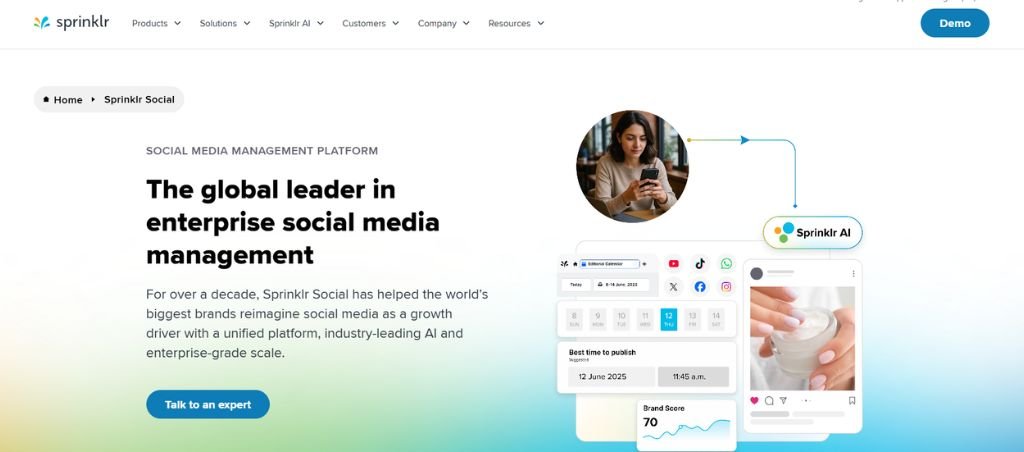
Best for: Global brands and enterprises with complex social media, governance, listening, and customer-care requirements.
Average G2 Star Rating: 4.1 out of 5
It’s built for organizations where social media involves multiple brands, countries, business units, large volumes of conversations, strict approval processes, and complex compliance requirements.
Sprinklr’s current social platform supports more than 30 social and messaging channels. Its AI capabilities span publishing, engagement, listening, analytics, governance, and reporting. It can analyze conversations across more than 100 languages and help identify trends, sentiment changes, competitive insights, and product feedback.
Key features
- 30+ social and messaging channels: Sprinklr isn’t just covering the usual suspects like Instagram or LinkedIn; it connects to 30+ social and messaging platforms, including regional and emerging channels. That means global brands can actually manage fragmented audiences in one place instead of juggling tools per market.
- AI content recommendations: Sprinklr’s AI learns from past performance, audience behavior, and brand context to recommend what to post and when. Think of it as a “strategic assistant” that helps reduce guesswork in content planning, especially at scale.
- Automated engagement: Instead of manually triaging every comment or message, you can auto-route, prioritize, and even respond to certain interactions based on pre-set rules and AI signals. It helps ensure urgent customer issues don’t get buried in noise.
- Campaign reporting: Sprinklr builds full campaign-level reporting that ties social activity back to business outcomes. It can aggregate performance across channels, regions, and teams into executive-ready dashboards.
- Governance workflows: This is where Sprinklr really shows its enterprise focus: you can define exactly who can create, approve, or publish content, and under what conditions. Every piece of content can move through structured approval chains, reducing potential brand risks and PR issues.
- Global and multilingual management: Sprinklr is designed for brands and influencers that have a global presence. You can manage content, engagement, and reporting across multiple languages and regions from a single system, and standardize brand messaging while still allowing local customization.
Endnotes
The social media management market changes quickly. Features, pricing, supported networks, and API capabilities can change throughout the year, so the information in this article should be treated as a 2026 snapshot rather than a permanent price list.
The comparison focuses on the areas that matter most when choosing a social media management platform: publishing and scheduling, analytics, engagement, AI capabilities, collaboration, reporting, monitoring, scalability, and overall value.
One thing is worth keeping in mind when comparing these tools: they aren’t really competing for the same customer. Buffer and Later are much more focused on keeping everyday social publishing manageable. Sprout Social, Hootsuite, and Sprinklr go much further into analytics, social listening, collaboration, and enterprise workflows. SocialBee and Sendible sit more comfortably in the middle, with features that work particularly well for growing teams and agencies. The right choice comes down to what your team is actually trying to automate.